Client app · Companion Notes · 18+

Client guide

Install Companion Notes. Submit your case. Send leads. Follow Case team updates. View approved evidence after unlock.

Adults only. Discretion handles adult consensual-relationship and infidelity matters only. We do not investigate minors or predators. You never see investigator identity — only “Case team.” Logins are created by your case manager — there is no public Create account. Learn & strength content is educational information — not a diagnosis. Only a qualified professional can diagnose.

Preview / debug APK · If Android blocks the install, allow installs from your browser or Files app · Sign in with the email and temporary password from your case manager

Step 1

Install & sign in

Install Companion Notes (client access). Your case manager creates the login — you only sign in.

  • Download the preview APK from the button above (or the latest GitHub Release).
  • Open the file and install. If prompted, allow install from browser / Files.
  • Sign in with the email and temporary password your case manager shared.
  • Do not use the Schedule Helper build — that is a separate app for the field team.
Phone mockup showing Discretion Client sign-in on a dark desk
Client access app only — Schedule Helper is separate for the field team.
Step 2

Submit intake / open a case

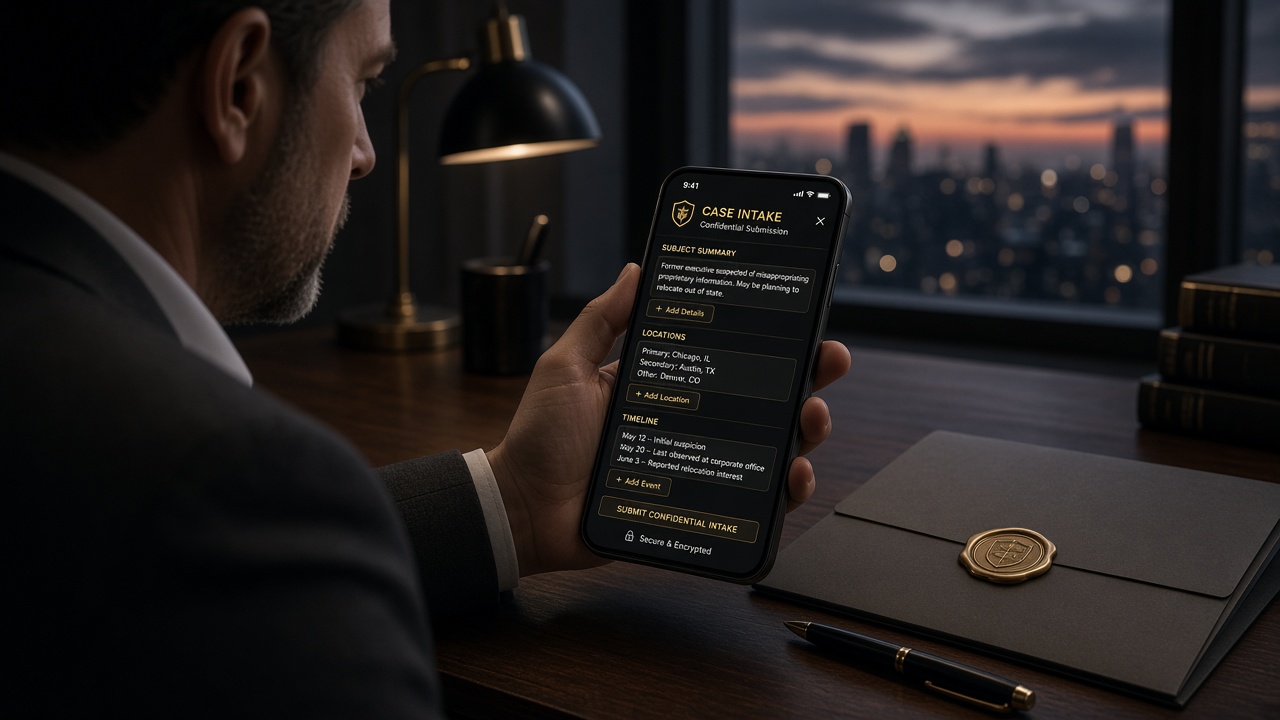
Start with a confidential brief: subject context, locations, and timeline. Your case manager reviews intake before assignment.

  • Confirm the matter involves adults only.
  • Be factual: who, where, when — avoid speculation.
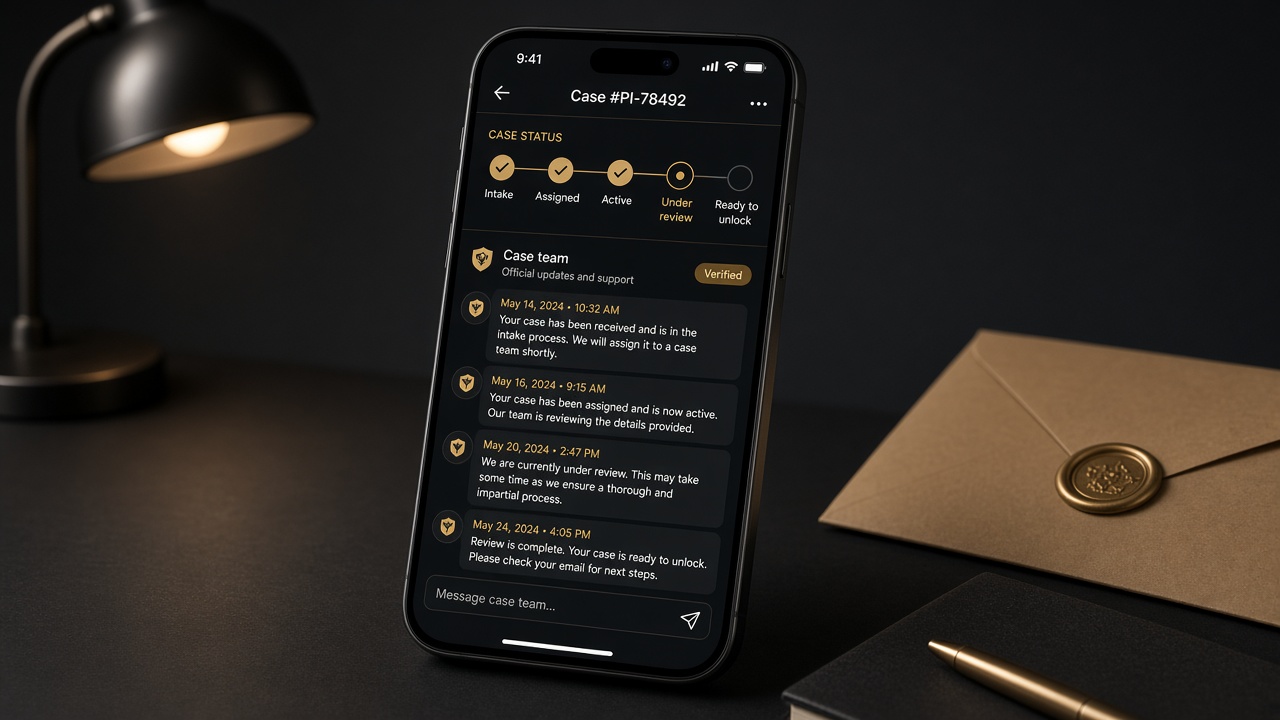
  • Status begins at intake, then moves through assigned → active → under review → ready to unlock → unlocked as work progresses.
  • Website intake requests are a first contact; full case work continues in the Client app after your account is provisioned.
Phone showing a confidential case intake form at dusk
Your brief goes to Case team first — not directly to a named investigator.
Pricing note

Packages & payment

Packages are priced in GYD. Evidence unlock fees apply when your case manager releases approved vault materials. Ask Case team which package fits — payment is arranged after unlock (invoice), not as public self-checkout.

Step 3

Upload leads

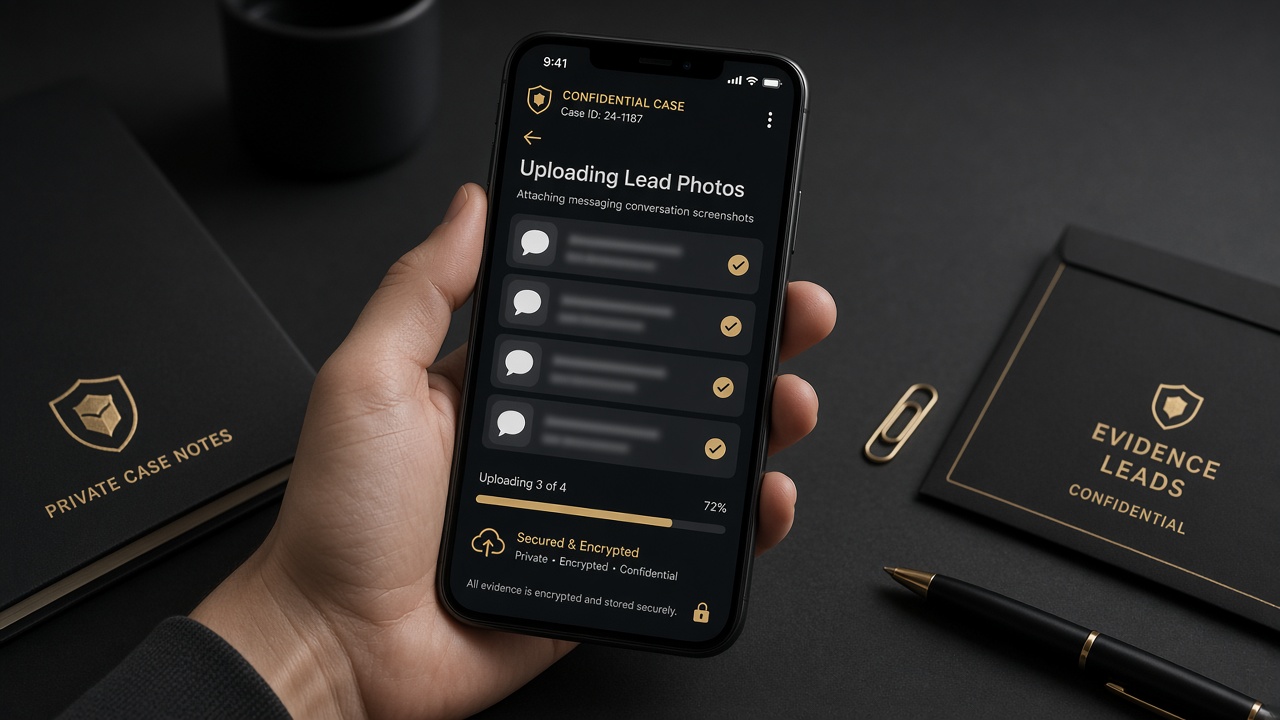
Send photos and notes that help your case (messaging screenshots, location hints, timelines). Leads are reviewed and sanitized before any field release.

  • Upload clear screenshots and photos from your gallery.
  • Add short factual captions: date, place, why it matters.
  • Do not confront the subject or tip them off while collecting leads.
  • Investigator identity stays hidden; you will not see who works the case.
Phone uploading lead photo thumbnails to a confidential case app
Leads are reviewed before anything reaches the field.
Step 3b

Partner activity / incident log

From home or a case, tap Document today (or open Activity log) to journal what happened: dated facts, how you felt, pattern tags, photos, video, and voice notes. Entries sync to your secure case file in the cloud.

  • Leave a daily voice log, add photos or video of interactions to review later with a therapist.
  • Tag patterns (gaslighting, triangulation, love-bombing, etc.) — tap Learn on a tag for the educational card. Tags are labels, not diagnoses.
  • If others may appear in audio/video, confirm the consent notice first. Recording always shows a clear red indicator — this is not a hidden spy tool.
  • Open an entry later to replay media by date. Use Share with therapist for a text summary (share media files manually).
  • Entries are reviewed before field visibility or Court Package inclusion.

Also open Learn & strength from home for educational modules — or read the web version at learn.html.
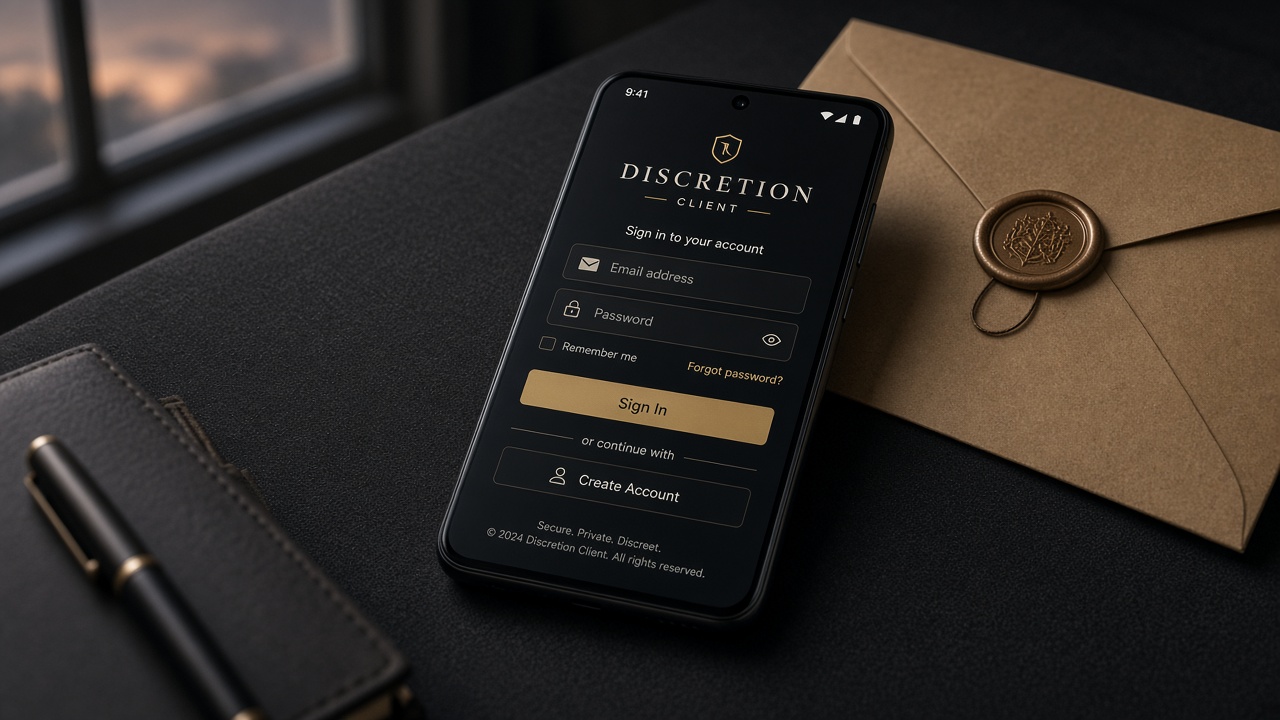
Illustration of documenting dated facts in a journal
Cloud-backed activity log — stored with your case, not only on the phone.
Step 4

Status updates & Case team chat

Follow your case timeline and message Case team — support chat, never investigator legal names.

  • Timeline moves from intake through assignment, active work, review, and unlock.
  • During active field work, updates stay high-level by design.
  • Ask Case team questions in-app; do not expect real-time field narration.
  • You will never see investigator identity in chat or status.
Phone showing case status timeline and Case team support chat
Case team is support branding — not a named investigator.
Step 5

Evidence vault — locked until unlock

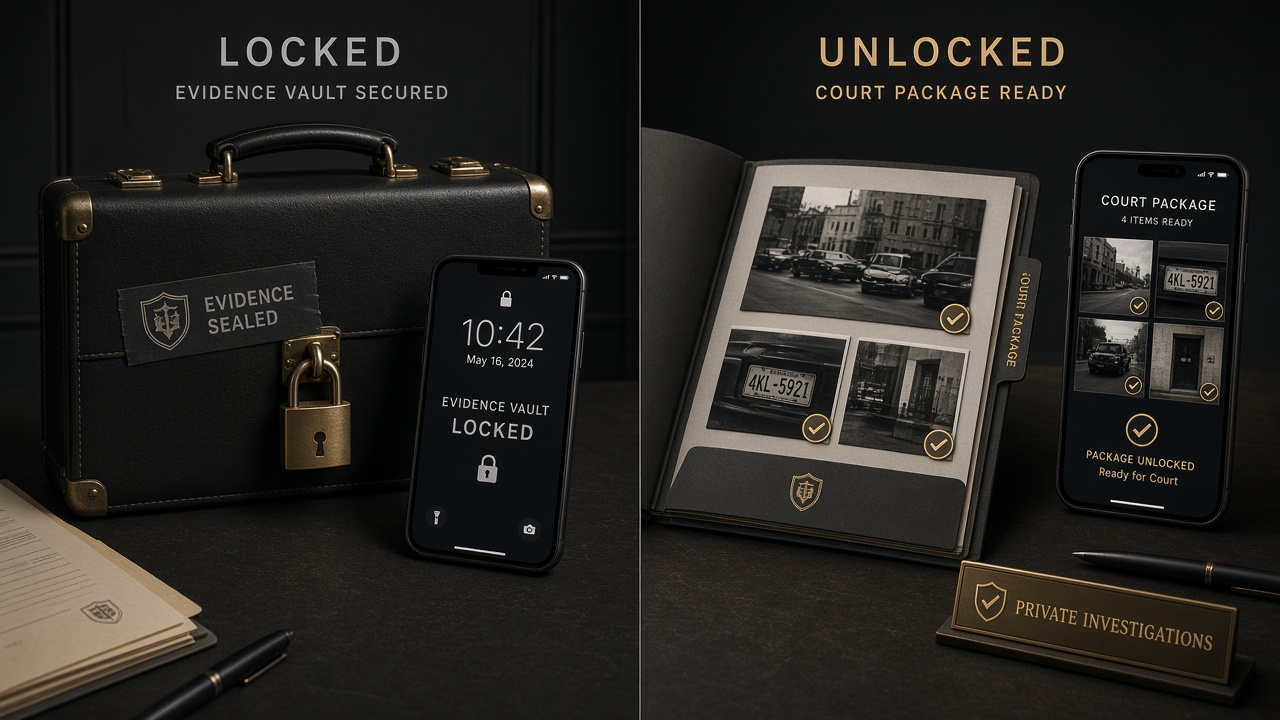
Approved field evidence stays in a locked vault until your case manager unlocks the package. Payment for unlock tiers is arranged then — see pricing.

  • While locked: you see status and Case team updates, not media.
  • Captures are reviewed before they can appear in your package.
  • After unlock: view the approved Court Package / evidence released for you.
  • Clients cannot unlock a case themselves.
Locked evidence vault contrasted with unlocked approved package
Locked vault first; approved evidence only after unlock.
Step 6

What to look out for

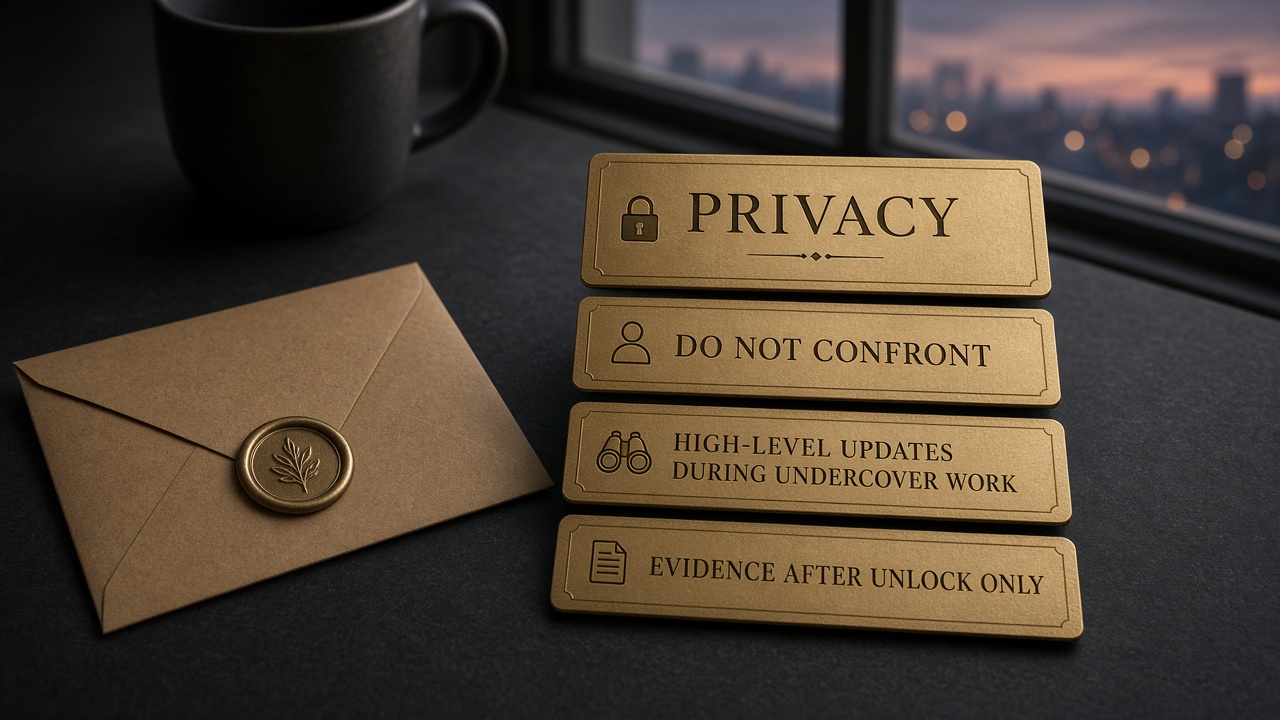
  • Privacy — keep case talk private; do not post about an active investigation.
  • Do not confront the subject, third parties, or anyone you believe is involved.
  • High-level updates during field work — limited detail while the case is active is normal.
  • Evidence only after unlock — vault media appears when your case manager unlocks, not sooner.
  • Adults only — Discretion does not take minor or predator matters.
  • Identity hidden — if someone claims to be “your investigator,” contact Case team through the app.
  • Full house rules: Client Privacy & Business Protection.
Desk checklist cards for privacy, no confrontation, and unlock timing
Stay discreet, stay patient, let Case team unlock when ready.
House rules

Client Privacy & Business Protection

Confidential cases. Fair use. Adults 18+. These rules protect your privacy and Discretion’s ability to deliver honest work.

PRIVACY

Keep the case confidential

  • Cases are confidential. Do not post case details, subject names, or evidence publicly — including TikTok — without Case team guidance.
  • Investigator identity stays hidden. Do not try to find or contact field agents.
  • Do not share login credentials.
  • Screenshots and leads you upload land in your case file — only share what you are allowed to have.
BAN

Truth & abuse of service

  • False accusations or fabricated leads = case declined + possible ban.
  • Adults 18+ only — client and subject.
  • Lawful adult relationship matters only — not harassment, threats, or revenge posting.
  • Do not use Discretion to stalk, threaten, or confront the subject.
BAN

Evidence integrity

  • AI-generated “proof” or fake docs = ban.
  • Do not upload stolen, forged, or illegally obtained materials.
  • One account per person. Multi-account abuse = ban.
PAY

Unlock & payments

  • You pay for an approved unlock — after the admin-ready package is released.
  • Payment disputes go through your case manager — not informal chargeback after delivery.
  • Chargeback fraud after unlock delivery without that dispute process = ban / account action.
PROCESS

Respect for process

  • Admin may decline dangerous or out-of-scope cases.
  • Updates come from Case team branding — not live spy feeds.
  • Recording others: follow local consent laws. See the Activity log consent notice in-app.
FACTS

Company & defamation

  • Present facts in intake and leads. Discretion does not publish your case publicly.
  • Do not use our materials for public defamation or revenge posting — that is outside the service.

Get started: Client track · Pricing: GYD packages · Stories: Soft chapters

Next panel

Ready to start?

Request an investigation online, review packages in GYD, or browse soft story chapters first. Adults 18+.